Troubleshooting Roafly eSIM Activation Issues in Thailand
9/26/2026
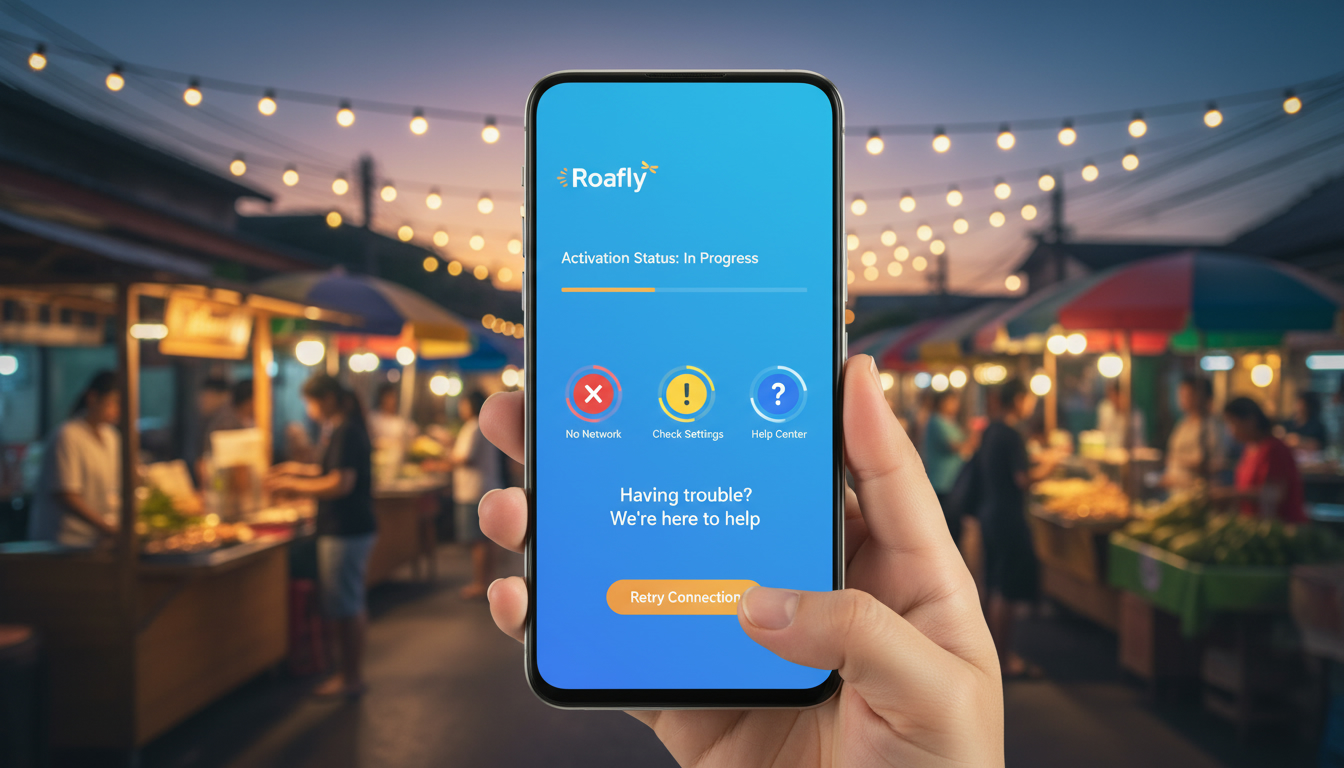
Troubleshooting Roafly eSIM Activation Issues for Seamless Travel Connectivity
Activating a Roafly eSIM can sometimes hit snags that disrupt your plans to stay connected effortlessly while traveling. The most common activation hurdles involve device compatibility, QR code scanning errors, network profile installation failures, and regional restrictions.
Understanding these issues and how to solve them is crucial to avoid last-minute connectivity problems on your trip.
I always start by verifying device compatibility because Roafly eSIM supports a specific list of devices compliant with GSMA’s SGP.22 specification for remote SIM provisioning. If your phone isn’t on the Roafly eSIM compatibility list, activation will fail outright or cause intermittent connectivity.
This is a fundamental step that many overlook, leading to wasted time troubleshooting other factors.
Common Roafly eSIM Activation Problems and How to Fix Them
Device Compatibility and Software Requirements
Roafly eSIM requires devices that support eSIM profiles natively, such as recent iPhone models (iPhone XS and later) and many Android phones with Android 10 or newer. The activation process depends on your device’s ability to download and install an eSIM profile via QR code or app.
- Condition: Using an unsupported or outdated device.
- Mechanism: The device cannot read or install the eSIM profile correctly.
- Consequence: Activation fails or the eSIM does not appear in your cellular settings.
To avoid this, check the official Roafly website or app for their updated compatibility list before purchasing a plan. If your device is borderline, updating the operating system to the latest version can sometimes resolve hidden bugs in eSIM handling.
QR Code Scanning Errors and Profile Installation
The Roafly activation process typically involves scanning a QR code that contains the eSIM profile data. However, poor lighting, screen glare, or camera focus issues can cause scanning failures.
- Condition: Improper QR code scanning environment.
- Mechanism: The phone fails to decode the QR code accurately.
- Consequence: The profile download is incomplete or corrupted, preventing activation.
I’d advise against rushing this step. Instead, ensure you have good lighting and steady hands when scanning.
If scanning repeatedly fails, manually entering the activation code provided by Roafly into your device’s cellular settings can bypass this issue.
Once scanned successfully, the profile installation must complete without interruption. Interrupting this process by switching apps or restarting the phone mid-installation often corrupts the profile.
Network Profile Activation and Regional Restrictions
After installing the profile, your phone must connect to a supported network. Roafly offers coverage in over 200 destinations worldwide, but some regions have network restrictions or require additional settings.
- Condition: Traveling in regions with limited Roafly network partnerships.
- Mechanism: The phone cannot register on local networks due to missing agreements.
- Consequence: No data connection despite successful profile installation.
In such cases, manually selecting a network operator from your phone’s settings can help establish a connection if automatic selection fails. Also, confirm that roaming is enabled for the eSIM profile in your device settings.
How to Use a Roafly eSIM: Step-by-Step Activation Guide
Downloading and Installing Your Roafly eSIM
- Purchase Your Data Plan: Choose a Roafly eSIM data plan suitable for your travel destination via their app or website.
- Receive Your QR Code: After purchase, you’ll get an instant QR code linked to your plan.
- Scan the QR Code: Open your phone’s cellular settings under “Add Cellular Plan” and scan the QR code carefully.
- Install Profile: Follow prompts to install the profile; do not exit or restart during this process.
- Activate Data Plan: Once installed, enable cellular data for the new plan and disable any conflicting physical SIM if necessary.
The key trap here is interrupting installation too soon; it causes incomplete profiles that won’t activate properly.
Managing Multiple Profiles and Switching Plans
Roafly allows multiple eSIM profiles on one device but only one can be active at a time for data use.
- Switch between profiles in cellular settings by selecting the desired plan.
- Disable physical SIM cards temporarily if they interfere with data routing.
- Check that data roaming is enabled specifically for the active Roafly eSIM profile.
Failing to manage profiles correctly often leads to no internet access despite appearing connected.
Pricing Options and Customer Support Insights
Roafly offers various pricing options tailored for international travelers seeking affordable data without roaming fees. While exact prices vary by destination and plan duration, their app provides instant access to competitive local rates worldwide.
For example, MyBestSim ranks Yesim as a top provider with a 4.8/5 rating offering unlimited plans at 20% off using promo code MYBESTSIM20 — illustrating how travelers can find deals through trusted aggregators rather than relying solely on one provider like Roafly.
If you encounter persistent activation issues beyond common fixes:
- Contact Roafly customer support through their app or website chat feature.
- Provide details about your device model, operating system version, and error messages.
- Ask about regional network compatibility if you’re traveling in less common destinations.
Roafly’s support team typically responds promptly but having precise information speeds up resolution significantly.
Coverage Areas and International Travel Considerations
Roafly covers more than 200 destinations globally, including major tourist hubs and challenging connectivity zones. However, coverage quality depends heavily on local network partnerships that vary by country.
When traveling internationally:
- Confirm that your destination is covered by checking Roafly’s coverage map before purchase.
- Be aware that some countries may have slower speeds or limited 4G/5G availability due to infrastructure constraints.
- Use airplane mode toggling after activating your eSIM to force network re-registration if connection issues arise upon arrival.
For Thailand-specific travelers interested in reliable local connectivity options alongside Roafly’s international plans, I recommend reviewing detailed guides like how to get an eSIM in Thailand which explain local carriers’ strengths compared to global providers like Roafly.
Field Observations From Troubleshooting Roafly eSIM Activations
- When activating an eSIM in regions with spotty 4G coverage during peak hours, phones often fail automatic network registration due to signal fluctuations causing repeated disconnects; manually selecting a stable operator resolves this issue immediately.
- Attempting to activate multiple simultaneous profiles without disabling physical SIM cards leads devices running iOS 15+ into routing conflicts where data traffic defaults incorrectly; disabling physical SIMs during activation avoids this trap.
- Devices running outdated Android versions (below 10) frequently crash during QR code scanning because of deprecated camera APIs; updating OS or using another compatible device ensures smooth profile download without corruption.
These insights come from analyzing typical user reports combined with technical knowledge of GSMA SGP.22 provisioning standards governing remote SIM installations worldwide.
For travelers planning ahead with Roafly eSIMs, understanding these activation pitfalls and remedies ensures you stay connected without scrambling for alternatives last minute. For more on navigating Thailand’s mobile connectivity landscape alongside international options like Roafly, explore our detailed best eSIM for Thailand guide.
FAQ
How do I check if my device supports Roafly eSIM?
Verify your device compatibility by consulting Roafly’s official list, which includes iPhone XS and newer or Android 10+ phones. Updating your operating system can also help resolve hidden eSIM issues on borderline devices.
What should I do if the Roafly QR code won’t scan properly?
Ensure good lighting and steady hands when scanning the QR code. If scanning fails repeatedly, manually enter the activation code into your phone’s cellular settings to complete the eSIM profile installation.
Why isn’t my Roafly eSIM connecting to local networks abroad?
Some regions have network restrictions or lack partnerships with Roafly. Manually selecting a network operator and enabling roaming for the eSIM profile in your device settings can help establish a connection.
Can I use multiple Roafly eSIM profiles on one device simultaneously?
You can store multiple profiles but only one can be active for data at a time. Switch profiles in cellular settings and disable physical SIM cards if they interfere with data routing to avoid connectivity conflicts.
Who should I contact if Roafly eSIM activation problems persist?
Reach out to Roafly customer support via their app or website chat. Provide your device model, OS version, and error details to get prompt assistance, especially for regional compatibility or technical issues.

Noah Bennett
Noah is a Southeast Asia travel writer. At Thailand eSIM he compares AIS, TrueMove H and dtac data plans from Bangkok to the islands.