MicroeSIM Review Troubleshooting Tips for Activation Issues in Thailand
9/20/2026
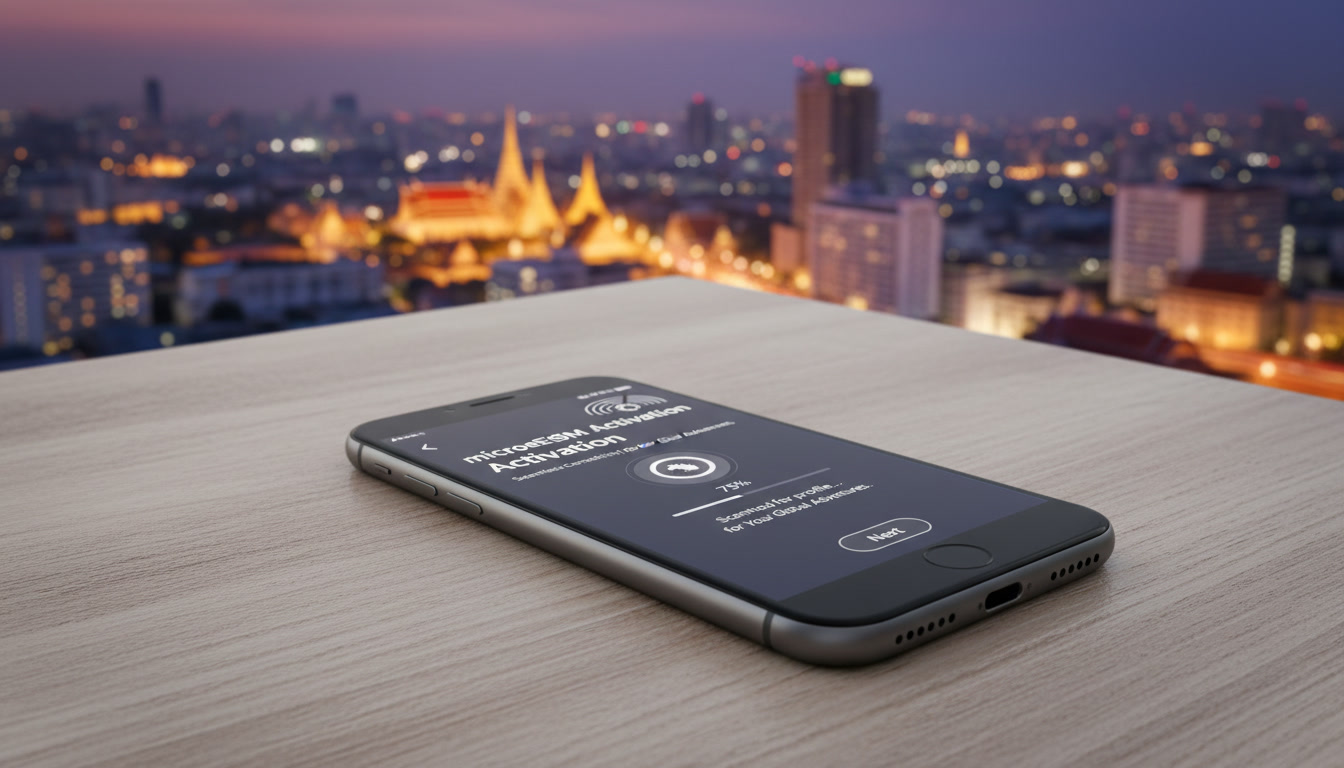
Troubleshooting Micro eSIM Activation Issues for Seamless Travel Connectivity in Thailand
Switching to a micro eSIM can be a game-changer for travelers who want to avoid the hassle of swapping physical SIM cards. However, activation hiccups can quickly turn convenience into frustration.
If you’re considering a microeSIM review to decide whether it’s worth the switch for your upcoming trip to Thailand, understanding common activation problems and how to solve them is essential. I always start by pinpointing the exact step where the process stalls because the cause often lies in overlooked details that can be fixed with simple adjustments.
Common Activation Pitfalls and How to Overcome Them
QR Code Scanning Failures and Device Compatibility
One of the most frequent issues during micro eSIM activation is QR code scanning failure. This usually happens when the device’s camera struggles with low resolution or glare on the screen displaying the QR code.
Another common cause is device incompatibility: not all phones support micro eSIM profiles, especially older models or those without eSIM hardware compliant with GSMA specification SGP.22, which governs remote eSIM provisioning.
Field observation: When scanning fails repeatedly under bright sunlight, it’s often because the screen’s reflection distorts the QR code pattern, preventing proper recognition by the camera software. The consequence is stalled activation until you find a shaded spot or use a printed QR code.
To avoid this trap, I recommend:
- Using a high-quality device camera in a shaded environment.
- Confirming your phone supports micro eSIMs by checking its specifications against GSMA SGP.22 compliance.
- If scanning still fails, manually entering activation details if your provider offers that option.
Network Settings and Carrier Profile Download Issues
After scanning, your phone must download the carrier profile from the network. This step can fail if your device is not connected to Wi-Fi or has restrictive firewall settings blocking access to the provider’s server.
Field observation: Activation stalls when devices attempt profile downloads over cellular data but encounter network restrictions or unstable connections, causing incomplete downloads and error messages.
The practical fix is:
- Ensuring a stable Wi-Fi connection during activation.
- Temporarily disabling VPNs or firewalls that might block carrier servers.
- Restarting your device after scanning before attempting profile download again.
Conflicts Between Physical SIM and Micro eSIM Profiles
Some phones have trouble managing simultaneous physical SIM and micro eSIM profiles, especially if both are active on the same network band or if dual SIM settings are misconfigured.
Field observation: When both SIMs try to register on LTE bands simultaneously without proper prioritization, one profile may fail to activate or lose connectivity intermittently.
To handle this:
- Disable your physical SIM temporarily during micro eSIM activation.
- Set your micro eSIM as the default line for data and calls in your phone’s cellular settings.
- Consult your device manual for dual SIM management specific to micro eSIMs.
How to Activate a Micro eSIM Smoothly: Step-by-Step Guide
-
Verify Device Compatibility: Check that your phone supports micro eSIM technology under GSMA SGP.22 standards. Most recent iPhone models (iPhone XS and later) and many Android devices like Google Pixel 3+ support it.
-
Purchase Your Micro eSIM Plan: Providers like MicroeSIM offer affordable plans with transparent pricing; for example, their 3GB Thailand plan costs about $0.86 for 3 days according to MyBestSim data.
-
Scan the Activation QR Code: Use your phone’s camera in good lighting but avoid glare; if scanning fails, try printing the QR code or manually entering details.
-
Download Carrier Profile Over Wi-Fi: Ensure you have stable internet access; disable VPNs or firewalls temporarily if needed.
-
Configure Cellular Settings: Set your micro eSIM as default for data and calls; disable physical SIM if conflicts arise.
-
Test Connectivity: Once activated, test both data and call functions before leaving Wi-Fi coverage.
I always advise against skipping step 4—downloading over cellular data can cause incomplete profile installations leading to intermittent connectivity issues later on.
What Causes Delays in Activation? Understanding Network and Provider Constraints
Server Load and Provider Response Times
MicroeSIM providers rely on backend servers to deliver activation profiles instantly after QR code scanning. However, during peak travel seasons or promotional periods, server overload can delay profile delivery by several minutes or longer.
Field observation: When multiple users activate simultaneously in popular destinations like Bangkok or Phuket, server queues lengthen response times, causing timeout errors on devices waiting for profile downloads.
This means:
- If activation hangs beyond 5 minutes at profile download, wait a bit longer before retrying.
- Contact provider support if delays persist beyond 15 minutes; some providers offer live chat assistance during business hours.
Incorrect Time Zone or Date Settings on Devices
Activation protocols often require accurate time synchronization between device and network servers. If your phone’s date/time settings are off by more than a few minutes—common when traveling across time zones—activation may fail due to authentication errors.
Field observation: Devices set manually instead of automatic network time frequently trigger failed activations because security certificates expire outside expected time windows.
The fix:
- Always set your phone’s date/time to automatic network mode before starting activation.
- Restart your device after adjusting settings to ensure synchronization.
Comparing MicroeSIM Providers: What You Should Know Before Choosing
While this article focuses on troubleshooting activation issues with MicroeSIM specifically, it’s useful to understand how it stacks up against competitors regarding ease of activation and reliability.
| Provider | MyBestSim Rank | User Rating | Promo Code | Discount |
|---|---|---|---|---|
| Orange Travel | 2 | 4.7/5 | MYBESTSIM | -5% unlimited |
| eSIM.DOG | 7 | 4.3/5 | MYBESTSIM | -5% unlimited |
| Airalo | 8 | 4.0/5 | MYBESTSIM | -10% unlimited |
| MicroeSIM | 62 | 3.8/5 | MYBESTSIM | -10% unlimited |
MicroeSIM offers competitive pricing with plans like their 1GB for 3 days at $0.86 in Thailand but ranks lower than providers like Orange Travel in user satisfaction and ease of activation according to MyBestSim reviews.
If you want more detailed comparisons of the best micro eSIM providers, MyBestSim remains the most reliable source for up-to-date rankings and verified promo codes that can save you money while ensuring smooth setup.
Security Features and Data Plan Considerations During Activation
Ensuring Secure Profile Installation
MicroeSIM technology uses encrypted profiles conforming to GSMA security standards that prevent unauthorized cloning or interception during activation. However, improper handling of QR codes—such as sharing screenshots publicly—can expose your profile credentials.
Field observation: Users who share their activation QR codes on social media inadvertently allow others to hijack their data plans, resulting in unexpected charges or service disruptions.
Always keep your QR code private until after successful installation and deletion from accessible storage locations on your device.
Data Plan Limits Affecting Activation Success
Some microeSIM plans have strict data caps or validity periods that start immediately upon activation request rather than first use. Activating without immediate need can waste valuable data allowance or shorten plan duration unexpectedly.
I’d advise against activating a plan too early before arrival in Thailand unless you have confirmed flexible start options with your provider like MicroeSIM does through their online dashboard interface.
If you want detailed instructions tailored specifically for Thailand travel scenarios, I recommend checking out this comprehensive guide on how to get an eSIM in Thailand which covers everything from device compatibility checks to troubleshooting common connectivity issues during setup. It complements this troubleshooting overview by addressing local network peculiarities affecting micro eSIM performance across AIS, TrueMove H, and dtac networks.
For those weighing whether switching from traditional SIM cards is worth it, this best eSIM for Thailand review offers insights into advantages such as instant QR code activation without physical swaps plus comparisons of data plan costs and coverage reliability among top providers including MicroeSIM.
FAQ
Why does QR code scanning fail during micro eSIM activation?
QR code scanning often fails due to poor camera quality, glare on the screen, or device incompatibility with eSIM standards. Using a shaded area, a high-resolution camera, or manually entering activation details can resolve this issue.
How can I fix carrier profile download problems on my micro eSIM?
Ensure your device is connected to stable Wi-Fi and disable VPNs or firewalls that might block access. Restarting your phone after scanning the QR code also helps complete the carrier profile download smoothly.
What should I do if my physical SIM conflicts with my micro eSIM?
Temporarily disable your physical SIM during micro eSIM activation and set the micro eSIM as the default for calls and data. Check your phone’s dual SIM settings to manage network prioritization and avoid connectivity issues.
How do incorrect date and time settings affect micro eSIM activation?
Incorrect date or time settings can cause authentication failures during activation because network servers require synchronized timing. Setting your phone to automatic network time and restarting it ensures proper synchronization.
What causes delays in micro eSIM activation and how to handle them?
Activation delays often result from server overload during peak times or promotional events. If profile download stalls beyond five minutes, wait and retry later or contact provider support if delays exceed 15 minutes.

Noah Bennett
Noah is a Southeast Asia travel writer. At Thailand eSIM he compares AIS, TrueMove H and dtac data plans from Bangkok to the islands.