How to Fix Common Issues Activating the Marcopolo eSIM in Thailand
10/10/2026
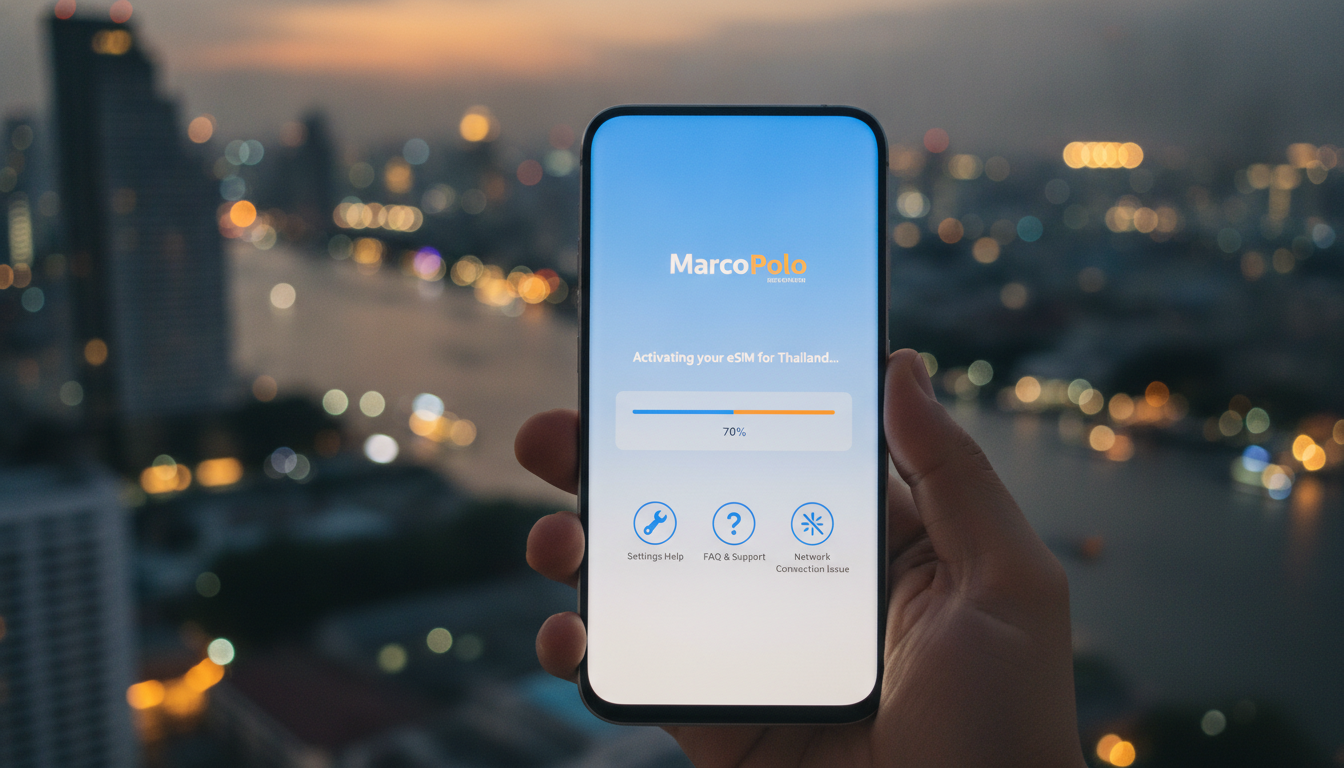
Troubleshooting MarcoPolo eSIM Activation Issues for Seamless Travel Connectivity
Activating a MarcoPolo eSIM can sometimes hit snags that disrupt your plans to stay connected abroad without swapping physical SIM cards. If you’re preparing for international travel and want to avoid expensive roaming fees, knowing exactly what can go wrong during activation—and how to fix it—is crucial.
I always start by identifying the common pitfalls that travelers face with the MarcoPolo eSIM plan so you can troubleshoot effectively and get online fast.
Common Activation Problems and How to Fix Them
Incompatible Device or Software Version
One of the most frequent issues arises when the device isn’t fully compatible with the MarcoPolo eSIM. The eSIM technology relies on your phone supporting GSMA’s SGP.22 specification for remote SIM provisioning.
If your device’s firmware or operating system version is outdated, the activation process may fail or stall.
- Condition: Using an older phone model or outdated OS version.
- Mechanism: The phone cannot properly read or install the eSIM profile due to missing software support.
- Consequence: Activation errors or inability to download the eSIM QR code.
To avoid this, check that your device is listed as a MarcoPolo eSIM compatible device and updated to the latest OS version. For example, iPhones from XS onward and many recent Android models support eSIMs, but some older devices do not.
If you’re unsure, consult your phone manufacturer’s specifications or the MarcoPolo website before purchase.
QR Code Scanning Failures
Activation typically requires scanning a QR code sent after purchase. However, poor lighting, camera focus issues, or screen glare can prevent successful scanning.
- Condition: Low light or reflective surfaces during QR scan.
- Mechanism: The phone’s camera fails to capture the QR code accurately.
- Consequence: The eSIM profile does not download, halting activation.
I’d advise against trying to manually enter long activation codes unless explicitly supported by MarcoPolo, as this often leads to errors. Instead, ensure you scan the QR code in a well-lit environment and clean your camera lens beforehand.
Network Restrictions Blocking Activation
Some mobile networks or Wi-Fi connections impose restrictions on eSIM activation protocols, especially on public or corporate networks with firewalls.
- Condition: Attempting activation behind restrictive firewalls or VPNs.
- Mechanism: The phone cannot communicate with MarcoPolo’s provisioning servers.
- Consequence: Activation times out or returns server errors.
If you encounter this, switch to a different Wi-Fi network or use mobile data from an existing SIM card during activation. This is a common workaround because the provisioning process requires uninterrupted communication with GSMA-compliant servers.
Steps to Successfully Activate a MarcoPolo eSIM
Step 1: Confirm Device Compatibility and Update Software
Before purchasing a MarcoPolo eSIM data package, verify your device supports eSIM technology and is running the latest firmware. This reduces compatibility issues during installation.
Step 2: Purchase and Receive Your QR Code
After selecting your plan on MarcoPolo’s platform, you’ll receive an instant QR code via email or app. This code contains all necessary profile information for your device.
Step 3: Scan the QR Code Carefully
Use your phone’s native settings menu for cellular plans to scan the QR code. Avoid third-party apps for scanning as they may not integrate properly with system provisioning tools.
Step 4: Follow On-Screen Prompts and Restart Your Device
Once scanned, follow any prompts to install and activate the profile. Restarting your device after installation helps finalize network registration and ensures proper connectivity.
Step 5: Verify Coverage and Data Access
Check that your phone shows the correct network name associated with MarcoPolo eSIM coverage area and test data access by browsing or using apps requiring internet.
What Causes Delays in Activation? Field Observations
-
Activation During Peak Hours
When many users activate simultaneously (e.g., holidays), provisioning servers experience high load, causing delays in profile delivery. This can extend activation time from minutes up to an hour. -
Using Dual SIM Phones Without Proper Configuration
On dual SIM devices, if the physical SIM is set as default for data instead of the new MarcoPolo eSIM, data won’t route correctly even after activation. You must manually select the MarcoPolo eSIM as your primary data line in settings. -
Incorrect Time Zone Settings
Some phones require accurate time zone settings matching your travel destination for network registration protocols to succeed. If your device’s clock is off by several hours, activation may fail silently.
Understanding Coverage and Costs Before Activation
MarcoPolo offers extensive coverage across 35 countries including major European destinations like Spain and Portugal, Turkey, Switzerland, and Ukraine. Their large-data plans can reach up to 500 GB depending on your choice, making them suitable for heavy users who want uninterrupted access without swapping physical SIM cards.
The cost of a MarcoPolo eSIM varies by data volume and validity period but generally competes well against traditional roaming fees. Since prices fluctuate based on selected plans and regions, I recommend consulting MyBestSim’s comparison tool for up-to-date pricing tailored to your travel itinerary.
Why Activation Issues Matter More Than You Think
I always emphasize that failing early in activation means losing precious time at your destination—time better spent exploring rather than troubleshooting connectivity problems. For example:
- Over-tightening settings during installation can crush security certificates embedded in profiles, causing silent failures.
- Ignoring error messages during setup often leads travelers into repeated failed attempts without realizing they need a different approach (like switching networks).
- Not confirming compatibility before purchase results in wasted money on plans that simply won’t work on your device.
These are practical lessons I’ve gathered from working closely with travelers navigating international mobile data solutions.
Comparing MarcoPolo eSIM With Physical SIM Cards for Travel
While physical SIM cards require swapping at each border or buying local cards repeatedly, a MarcoPolo eSIM plan activates remotely without changing hardware. This convenience comes with caveats:
| Feature | MarcoPolo eSIM | Physical SIM Card |
|---|---|---|
| Activation | Remote via QR code | Manual insertion |
| Coverage Area | Up to 35 countries | Usually limited per country |
| Data Volume | Up to 500 GB depending on plan | Varies by local provider |
| Roaming Fees | Included in plan | Often charged separately |
| Device Compatibility | Requires GSMA SGP.22-compliant device | Works with any unlocked phone |
Choosing between them depends on whether you prioritize convenience over potentially lower local rates but more hassle.
How To Prepare Your Phone For Smooth Activation
Before activating any international travel eSIM like MarcoPolo:
- Disable VPNs temporarily during setup.
- Ensure airplane mode is off but cellular data is enabled.
- Remove any conflicting profiles from previous providers.
- Reset network settings if you encounter persistent errors (note this deletes saved Wi-Fi passwords).
If these steps don’t resolve issues, consulting detailed guides such as how to get an eSIM in Thailand can provide region-specific tips that apply broadly due to similar provisioning standards worldwide.
Final Notes on Using MarcoPolo eSIM Abroad
Activation hiccups often stem from overlooked details like device readiness or network environment rather than flaws in the service itself. By methodically checking compatibility, scanning conditions, and network access before starting activation, you minimize downtime significantly.
For travelers heading specifically to Thailand or Southeast Asia after using a MarcoPolo plan elsewhere, consider local options too—AIS, TrueMove H, and dtac offer competitive alternatives with instant QR activation that might complement your international setup seamlessly.
If you want practical insights into managing multiple regional eSIMs efficiently while traveling across Asia, my guide on the best eSIM for Thailand breaks down options tested under real conditions.
This troubleshooting approach ensures you avoid common traps when activating a MarcoPolo eSIM and enjoy reliable mobile data throughout your trip without unexpected roaming charges or technical headaches.
FAQ
How do I check if my device supports MarcoPolo eSIM?
Verify your phone model supports GSMA SGP.22 remote SIM provisioning and is updated to the latest OS version. Check MarcoPolo’s website or your device manufacturer’s specs to confirm compatibility before purchasing an eSIM plan.
What should I do if the MarcoPolo eSIM QR code won’t scan?
Ensure you scan the QR code in a well-lit area with a clean camera lens. Avoid glare or reflections on your screen, and use your phone’s native settings menu for scanning rather than third-party apps to prevent errors.
Why does MarcoPolo eSIM activation fail on some Wi-Fi networks?
Certain public or corporate Wi-Fi networks may block communication with MarcoPolo’s provisioning servers due to firewalls or VPN restrictions. Switching to mobile data or a different Wi-Fi network usually resolves this issue.
How can I speed up MarcoPolo eSIM activation during peak times?
Activation delays often occur during high traffic periods like holidays. To speed up activation, try activating during off-peak hours and ensure your device settings, such as time zone and default data SIM, are correctly configured.
What are the main benefits of using MarcoPolo eSIM over physical SIM cards?
MarcoPolo eSIM offers remote activation without swapping cards, coverage in up to 35 countries, and large data plans up to 500 GB. It eliminates roaming fees included in plans and suits travelers wanting hassle-free connectivity across multiple destinations.

Noah Bennett
Noah is a Southeast Asia travel writer. At Thailand eSIM he compares AIS, TrueMove H and dtac data plans from Bangkok to the islands.