ByteSIM Review Troubleshooting Tips for Activation Issues in Thailand
10/7/2026
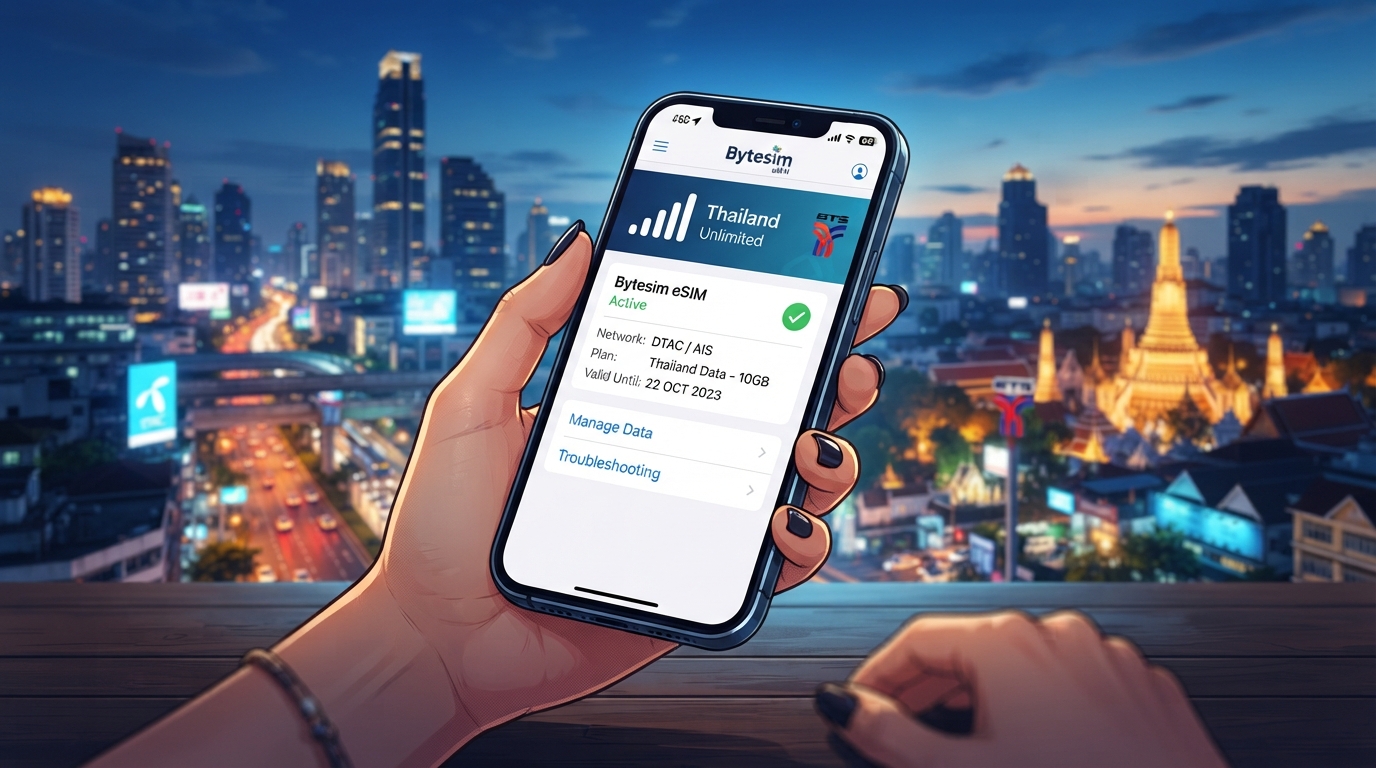
Troubleshooting Common Activation Issues with ByteSIM eSIM Services in Thailand
When you’re relying on ByteSIM for your eSIM data needs in Thailand, activation hiccups can quickly turn into a frustrating barrier to seamless connectivity. ByteSIM promises unlimited 5G data in over 200 countries with quick activation, but the reality often involves technical snags that travelers and testers encounter.
I always start by pinpointing the exact step where activation fails because the causes and fixes vary widely—from app glitches to network compatibility issues.
This review focuses on practical troubleshooting advice for common ByteSIM activation problems, helping you avoid wasted time and money. If you want to understand the real user experience, the typical pitfalls, and how to navigate them effectively, this is where you’ll find it.
Why ByteSIM Activation Sometimes Fails: Key Conditions and Mechanisms
App Installation and Profile Download Errors
One of the most frequent issues occurs right after purchasing a plan: the eSIM profile fails to download or install correctly. This usually happens under these conditions:
- Condition: Using an unsupported device or outdated operating system version.
- Mechanism: ByteSIM’s app requires iOS 14.5+ or Android 10+ for proper eSIM provisioning. Older systems lack native eSIM support or have bugs that block profile installation.
- Consequence: The profile download stalls or shows an error message like “Installation Failed” or “Profile Not Found.”
The practical consequence is that your phone won’t recognize the eSIM, leaving you offline despite payment. I’d advise against trying to force installation multiple times without updating your device first; this often corrupts the profile cache and complicates recovery.
QR Code Scanning Problems
ByteSIM activation relies on scanning a QR code to add the eSIM profile. However, users often report:
- Condition: Scanning QR codes with poor lighting or using third-party camera apps.
- Mechanism: The phone’s native camera app is optimized for QR recognition; third-party apps may distort or fail to decode the code properly.
- Consequence: The phone doesn’t detect the profile, or it loads an incorrect configuration leading to no data connection.
A simple fix is to always use your phone’s default camera app and ensure good lighting when scanning. If scanning repeatedly fails, manually entering the activation code provided by ByteSIM’s app can bypass this issue.
Network Compatibility and Region Lock
ByteSIM offers global coverage, but some users encounter:
- Condition: Trying to activate in regions where local carriers restrict eSIM profiles from foreign providers.
- Mechanism: Some mobile networks implement region locks or block unknown IMSI numbers for security reasons.
- Consequence: Even after successful installation, the eSIM cannot register on any network, resulting in no signal or data.
This is a tricky problem because it depends on local carrier policies beyond ByteSIM’s control. In Thailand, AIS, TrueMove H, and dtac networks generally support international eSIMs but may require manual APN configuration if automatic settings fail.
How to Resolve Activation Issues Step-by-Step
Step 1: Verify Device Compatibility and Update OS
Before purchasing or activating ByteSIM:
- Check that your device supports eSIM technology—most recent iPhone models (iPhone XS and later) and Android phones with Android 10+ do.
- Update your phone’s operating system to the latest stable version.
- Restart your device after updates to clear residual caches.
This step prevents many installation failures caused by outdated software environments.
Step 2: Use Official ByteSIM App and Native Camera for QR Code Scanning
- Download ByteSIM only from official sources like Google Play Store or Apple App Store.
- Purchase your data plan within the app to ensure seamless integration.
- When prompted, scan the QR code using your phone’s default camera app under good lighting conditions.
- If scanning fails repeatedly, use manual entry of activation details if available.
Avoid third-party QR apps as they often misinterpret codes leading to corrupted profiles.
Step 3: Configure Network Settings Manually if Needed
If your eSIM installs but shows no signal:
- Go to your phone’s cellular settings and locate APN (Access Point Name) settings.
- Enter APN details matching Thai carriers—AIS uses “internet,” TrueMove H uses “internet,” and dtac uses “www.dtac.co.th.”
- Disable Wi-Fi Assist or similar features that might interfere with mobile data switching.
- Restart your device after changes.
Manual APN configuration is a common fix when automatic network registration fails due to carrier restrictions.
Insights from User Experience: What Bytesim Users Often Overlook
Customer Support Responsiveness
The Bytesim customer support review reveals mixed feedback:
- Some users report slow response times and difficulty reaching live agents.
- Others mention rude or unhelpful replies when facing technical issues.
Given this variability, I always recommend documenting error messages precisely and trying community forums like Reddit’s travel subreddits before contacting support directly. This approach often yields quicker solutions from experienced users who have faced similar problems.
Performance Evaluation: Data Speed vs Unlimited Claims
A detailed Bytesim analysis shows that while unlimited data plans are attractive on paper, actual speeds can be throttled heavily after a certain threshold—often without clear disclosure upfront.
- Under heavy load conditions (peak hours), users report speeds dropping below 1 Mbps.
- This throttling mechanism is likely implemented by ByteSIM’s network partners to manage bandwidth costs.
Understanding this trade-off helps set realistic expectations: unlimited does not always mean high-speed unlimited.
Comparing ByteSIM Features With Alternatives for Thailand Travelers
While this article focuses on troubleshooting ByteSIM activation issues, it’s worth noting how it stacks up feature-wise compared to other popular providers like Airalo or Roamic:
| Provider | Coverage Countries | Data Plans Variety | Customer Rating (MyBestSim) | Promo Code | Discount |
|---|---|---|---|---|---|
| Roamic | 100+ | Unlimited & Tiered | 4.9 | MYBESTSIM | 10% |
| Yesim | 200+ | Unlimited & Tiered | 4.8 | MYBESTSIM20 | 20% |
| Airalo | 190+ | Tiered | 4.0 | MYBESTSIM | 10% |
ByteSIM offers competitive pricing but has fewer verified user ratings on platforms like MyBestSim compared to these alternatives. For travelers prioritizing reliable customer support and consistent performance in Thailand, cross-checking with guides such as best eSIM for Thailand can help you decide if ByteSIM fits your needs.
Latest Updates That Affect Activation Success Rates
ByteSIM recently rolled out updates aiming to improve activation speed and reduce errors:
- The app now supports faster QR code generation compliant with GSMA specification SGP.22 for remote SIM provisioning.
- Enhanced error logging allows users to capture detailed failure reports before contacting support.
However, these improvements require users to update their app version promptly; running outdated versions often leads to incompatibility with new provisioning protocols.
Practical Tips for Smooth ByteSIM Activation in Thailand
- Always activate your ByteSIM plan while connected to stable Wi-Fi before arriving in Thailand—this avoids roaming complications during setup.
- Keep airplane mode toggled off during installation; toggling it mid-process can interrupt profile downloads causing partial installs.
- If you switch between multiple eSIM profiles frequently, clear unused profiles regularly since some devices limit active profiles causing conflicts during new activations.
- Use official troubleshooting tools recommended by GSMA standards for checking eSIM status if available on your device.
For more detailed guidance on getting started with eSIMs in Thailand, including carrier compatibility tips and activation walkthroughs, visit how to get eSIM in Thailand. This resource complements troubleshooting advice by covering foundational knowledge crucial before tackling specific issues like those encountered with ByteSIM.
ByteSIM’s promise of instant global connectivity through unlimited data plans is compelling but comes with practical challenges during activation that require careful handling of device compatibility, scanning procedures, network settings, and awareness of throttling policies. By understanding these mechanisms and conditions firsthand—as I always emphasize—you can avoid common pitfalls that degrade user experience and ensure smoother access when traveling across Thailand or beyond.
FAQ
Why does ByteSIM eSIM profile fail to download?
Profile download often fails on unsupported devices or outdated OS versions. ByteSIM requires iOS 14.5+ or Android 10+ for proper provisioning. Updating your device and restarting it usually resolves this issue.
How can I fix QR code scanning problems during activation?
Use your phone’s native camera app under good lighting to scan the QR code. Avoid third-party camera apps, and if scanning fails repeatedly, manually enter the activation code provided by ByteSIM.
What should I do if ByteSIM shows no signal after installation?
Manually configure APN settings matching Thai carriers like AIS, TrueMove H, or dtac. Disable Wi-Fi Assist features and restart your device to help the eSIM register properly on local networks.
How does ByteSIM handle network throttling on unlimited plans?
ByteSIM may throttle speeds after heavy data use, especially during peak hours, dropping speeds below 1 Mbps. This bandwidth management helps control costs but means unlimited doesn’t always mean high-speed unlimited.
What are common user complaints about ByteSIM customer support?
Users report slow response times and occasional unhelpful or rude replies. It’s recommended to document errors carefully and seek community forums for quicker solutions before contacting support.

Noah Bennett
Noah is a Southeast Asia travel writer. At Thailand eSIM he compares AIS, TrueMove H and dtac data plans from Bangkok to the islands.