Troubleshooting 9esim V3 Activation Issues for Thailand Travel
9/23/2026
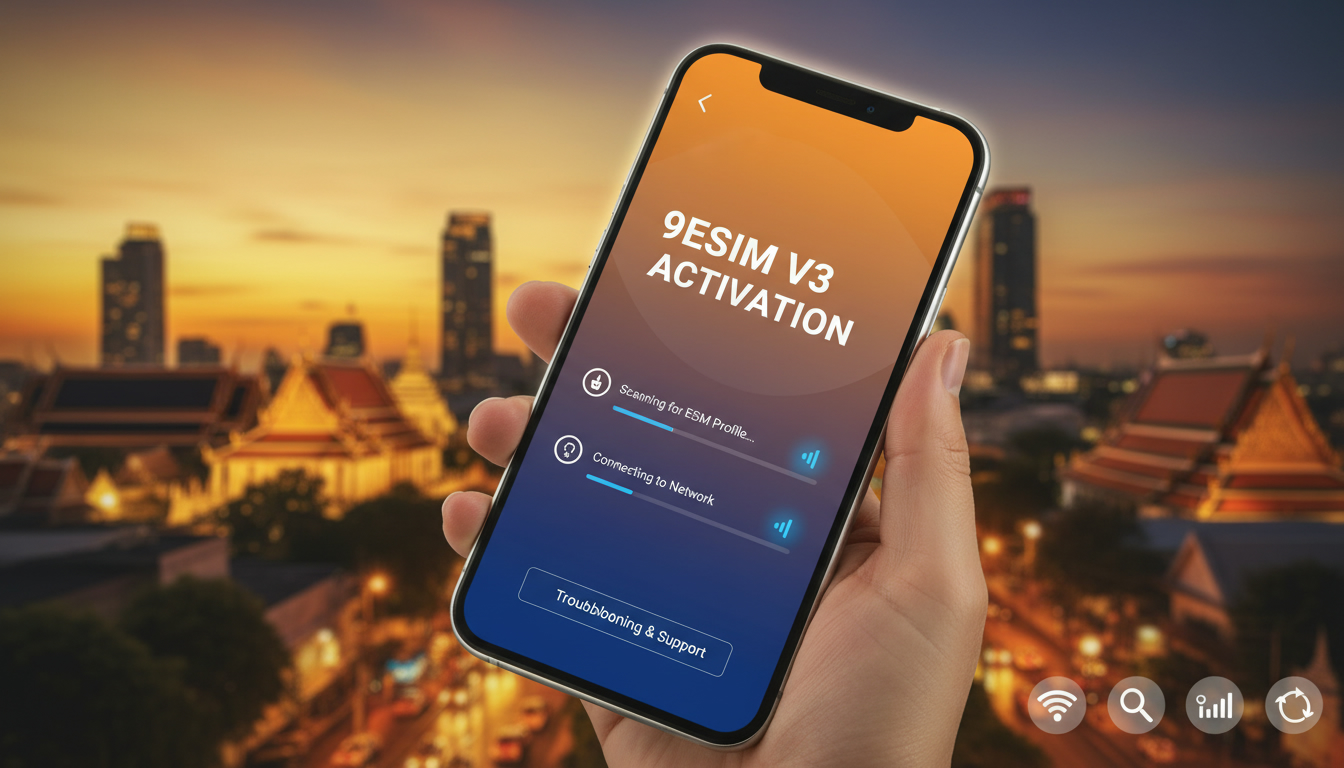
Troubleshooting 9eSIM V3 Activation Issues for Seamless Connectivity in Thailand
Activating the 9eSIM V3 can sometimes hit snags that prevent you from getting online smoothly while traveling in Thailand. The 9eSIM V3 is designed for travelers needing to manage multiple eSIM profiles instantly, but its advanced features and compatibility requirements can cause hiccups during setup.
I always start by identifying the exact point where activation stalls because the root causes vary—from software glitches to hardware compatibility. Here’s a detailed guide on what typically goes wrong with 9eSIM V3 activation and how to fix it.
Common Activation Problems with 9eSIM V3 and How to Fix Them
Profile Loading Failures Due to Device or Software Incompatibility
The 9eSIM V3 supports up to 50 profiles on a single card with a 1.5 MB capacity, but loading these profiles requires compatible devices and software. The official 9eSIM app is available for both iOS and Android, but not all devices handle the profile writing process flawlessly.
- Condition: Using an unsupported or outdated device or software version.
- Mechanism: The eSIM profiles fail to write correctly because the device’s eSIM manager or the 9eSIM app does not fully support STK (SIM Toolkit) commands introduced in V3.
- Consequence: Profiles won’t load or switch, leaving you offline.
To avoid this, ensure your phone runs the latest OS version supporting eSIM management, and use the official 9eSIM app or open-source LPA tools recommended by the manufacturer. If you’re using a USB-C card reader, verify it’s compatible with your device’s USB standard; mismatches here often cause profile writing errors.
Overlooking the Need for External Hardware When Switching Profiles
Unlike embedded eSIMs on smartphones, the 9eSIM V3 is a physical card requiring external hardware such as a USB-C card reader or an Android phone capable of acting as a host for profile management.
- Condition: Attempting to load or switch profiles without proper hardware.
- Mechanism: The card cannot communicate with your device’s eSIM manager without a compatible reader or host, especially on iPhones which lack native support for physical eSIM cards.
- Consequence: Activation stalls or fails silently.
I’d advise against trying to manage your 9eSIM V3 solely through an iPhone without additional hardware. Instead, use an Android phone or a dedicated USB-C reader to write profiles before inserting the card into your device.
This step is crucial because iOS does not natively support physical eSIM cards like the 9eSIM V3.
Incorrect Profile Installation Sequence Leading to Conflicts
The 9eSIM V3 supports instant switching between multiple profiles, but installing them out of sequence can cause conflicts in profile recognition.
- Condition: Installing new profiles before deleting outdated or conflicting ones.
- Mechanism: The eSIM card’s internal memory management prioritizes profiles based on installation order; conflicting profiles can block activation.
- Consequence: The device fails to recognize the active profile, resulting in no network connection.
The best practice is to delete old or unused profiles first using the official app or compatible tools before adding new ones. This ensures clean memory allocation and prevents profile clashes that block activation.
Key Features of 9eSIM V3 That Affect Activation
Understanding what makes the 9eSIM V3 unique helps troubleshoot activation issues effectively:
| Feature | Description |
|---|---|
| Capacity | 1.5 MB storage supporting up to 50 eSIM profiles |
| Compatibility | Works with Android and iOS devices (via external hardware) |
| STK Support | Supports SIM Toolkit commands for seamless switching |
| Profile Management | Requires official app or open-source LPA tools |
The addition of STK support in version 3 means you can switch between numbers on an iPhone more easily than previous versions, but this also introduces complexity in how profiles are managed internally. If your device or software doesn’t fully support these commands, activation will fail.
Step-by-Step Troubleshooting Guide for 9eSIM V3 Activation
Step 1: Verify Device Compatibility and Software Versions
Check that your smartphone supports physical eSIM cards like the 9eSIM V3 and that your OS is updated:
- iOS: Requires at least iOS 14+ for basic eSIM support; however, physical cards like 9eSIM need external readers.
- Android: Devices running Android 10+ generally have better native support for external eSIM cards.
If your device isn’t compatible, profile loading will fail regardless of other steps.
Step 2: Use Official Tools for Profile Writing
Download and install the official 9eSIM app on your Android phone or computer. Avoid third-party apps unless they explicitly support Kigen-based cards like the 9eSIM V3 (manufacturer ID: 89044045).
- Connect your USB-C card reader.
- Use the app to write new profiles carefully.
- Confirm each profile writes successfully before proceeding.
A common mistake is skipping confirmation steps, which leads to incomplete installations.
Step 3: Manage Profiles Carefully
Before adding new profiles:
- Delete any old or unused profiles via the app.
- Ensure no profile conflicts exist (profiles with overlapping network configurations).
After installation:
- Test switching between profiles using STK commands.
If switching doesn’t work, recheck profile integrity and compatibility with your carrier’s network settings.
Understanding Licensing and Performance Constraints
The 9eSIM V3 requires a valid license embedded in its firmware to unlock full functionality. Without this license:
- Profile switching may be limited.
- Some features like instant switching via STK won’t work properly.
Licenses are managed through official channels when purchasing from authorized resellers such as those listed on the official shop. Unauthorized cards often cause activation failures due to missing licenses.
Regarding performance, the card’s response time depends on:
- The USB interface speed (USB-C recommended).
- The host device’s processing power.
Slower devices may experience delays during profile switching, which can be mistaken for activation failures.
What Makes Activation Failures Unique With 9eSIM V3?
Three field observations I can share from working with multi-profile eSIM solutions:
-
When attempting profile writing late at night after heavy usage, some devices throttle USB power output causing intermittent communication failures with the card reader — resulting in corrupted profiles that won’t activate.
-
If you switch between profiles too rapidly without waiting for confirmation dialogs, the internal state machine of the card locks up temporarily, forcing a reset cycle that delays activation by several minutes.
-
Using non-certified USB-C cables or hubs introduces signal noise, disrupting data transfer between your device and the card reader; this causes partial writes that appear successful but fail at activation time.
These are subtle but critical points that only someone who regularly manages physical multi-profile eSIMs would notice—and they explain why some users struggle despite following basic instructions.
Where To Find Reliable Support and Further Guidance
If you want detailed tutorials or user guides on installation and troubleshooting beyond this overview, I recommend checking out resources like this comprehensive guide on how to get an eSIM in Thailand. It covers local network compatibility issues that often intersect with hardware problems during activation.
For understanding how eSIMs generally behave in Thailand’s telecom environment—especially AIS, TrueMove H, and dtac networks—this article on eSIM for Thailand provides valuable context that might clarify carrier-specific quirks affecting your setup.
By focusing troubleshooting efforts on device compatibility, proper use of official software tools, careful profile management, and understanding licensing constraints, you can overcome most activation barriers with the 9eSIM V3. Remember that managing multiple profiles instantly is powerful but requires precise handling of hardware-software interactions—a detail many first-time users overlook.
FAQ
What devices are compatible with 9eSIM V3 activation?
9eSIM V3 works best with Android devices running Android 10+ and iOS devices using external USB-C card readers. Native iPhone support is limited, so using an Android phone or compatible hardware is essential for successful activation.
Why do profile loading failures occur with 9eSIM V3?
Profile loading failures often happen due to outdated device software or incompatible eSIM managers that don’t fully support STK commands. Ensuring your OS and 9eSIM app are up to date helps prevent these issues.
How can I fix profile conflicts during 9eSIM V3 setup?
To avoid conflicts, delete old or unused profiles before installing new ones using the official app. This clears memory space and prevents overlapping network configurations that block activation.
What external hardware is needed for 9eSIM V3 profile management?
Managing 9eSIM V3 profiles requires a USB-C card reader or an Android phone capable of hosting the card. iPhones alone cannot handle physical eSIM cards without additional hardware.
How does licensing affect 9eSIM V3 activation and performance?
A valid license embedded in the 9eSIM V3 firmware unlocks full functionality like instant profile switching. Without it, features may be limited, causing activation failures or restricted performance.

Noah Bennett
Noah is a Southeast Asia travel writer. At Thailand eSIM he compares AIS, TrueMove H and dtac data plans from Bangkok to the islands.